Nebula Workbench
A portable C99 nebula engine with an animated, rotatable volume view and the original 2D texture editor. The browser compiles the C engine to WebAssembly and runs it in a dedicated worker. JavaScript handles controls, timing, mouse/touch/keyboard input, canvas presentation, and downloads.
The volume is a procedural artistic model, not an astrophysical hydrodynamics simulation. It uses genuine 3D density and camera rotation, displayed as pixel art. It is not a rotating flat billboard. This is an independently written implementation inspired by the layered-noise workflow of https://github.com/townofdon/nebula-gen; the Noctis-style Nova glare is adapted from the user’s attached RFL source, and the image presets use the six user-supplied nebula textures.
Use
Volume mode opens with gas animation and automatic rotation running. Drag the viewer or focus it and use arrow keys to rotate manually. Home or Reset view restores the camera. Pause motion freezes gas evolution, jet knots, and automatic rotation; manual rotation remains available while paused. Motion speed changes gas, knots, and orbit speed together. Auto rotate can be disabled independently to inspect gas motion from a fixed viewpoint. Hidden tabs suspend requests without advancing the scene clock.
The Stars tab provides:
- Colored stars: 0–64 modeled sources, separate from the optional distant preview starfield.
- Clearing radius: spherical density exclusion around every modeled star, in normalized world units. Zero disables the clearings. Radius varies deterministically by up to 18% per source.
- Herbig–Haro fraction: the fraction of stars with bipolar jets. The source count is
round(star_count * fraction); the UI also reports twice that number as lobes. - Stellar glow, jet length, and star spread. Three of every four sources are initially sampled within the nebula shape; the others surround it. Spread scales these positions. Gas can obscure sources, and large spread or zoom can put them outside the viewport.
The jets are narrow opposing streams with outward-moving emission knots. Source positions, jet axes, and spherical clearings remain fixed in world space as gas evolves. Colored cavity rims approximate local excitation. Approximate volume extinction attenuates stars and jets behind gas.
Looking along either jet axis replaces the cones with an RFL-style dithered glare centered on its star. The cones and glare crossfade between 24° and 12° from the axis; within 12° the cone emission is fully hidden. Rotating away restores the streams. The glare follows the approaching lobe’s tint (blue-white for Nova), pulses with the jet, and respects stellar glow and foreground gas extinction. This applies to every jet source, including Nova, and remains deterministic when paused.
Cloud, pillar, ring, and unmasked shapes work in Volume mode. Texture mode retains the 2D noise controls, seamless tiling, palettes, dithering, and raw-density exports. Tiling is a Texture-only option.
Comets
The Comets preset group adds streaming filaments, cyan streak, and
scorched planet · sodium tail. IMG_3305.jpeg and IMG_3306.jpeg guide the
animation and appearance: green-white coma, blue/cyan streaks, separated strands,
traveling knots, ripples, and an uneven fading haze. No photograph is drawn onto
a billboard. The density and colors occupy a true 3D field in src/comet.c.
Filament curves and widths are prepared once per frame; bounded ray marching integrates their volume plus 3D noise through the tail. Knots and transverse waves travel outward, with independent tail length, spread, turbulence, and flow controls. Camera orbit defaults off for these presets so tail motion is immediately visible. Manual rotation, orbit, pause, seed, brightness, opacity, dither, density view, and PNG export remain available. Unused nebula controls are disabled until a nebula preset is selected again.
Star bearing/elevation describe the direction from the body to its star. The normalized body-minus-star vector sets the tail axis; rotating the camera never changes that axis. The gold/blue inset displays the projected star/tail directions. Move star to opposite side reverses the star offset in 3D. The star is external to the preview volume and is not baked as a comet nucleus or bipolar jet source.
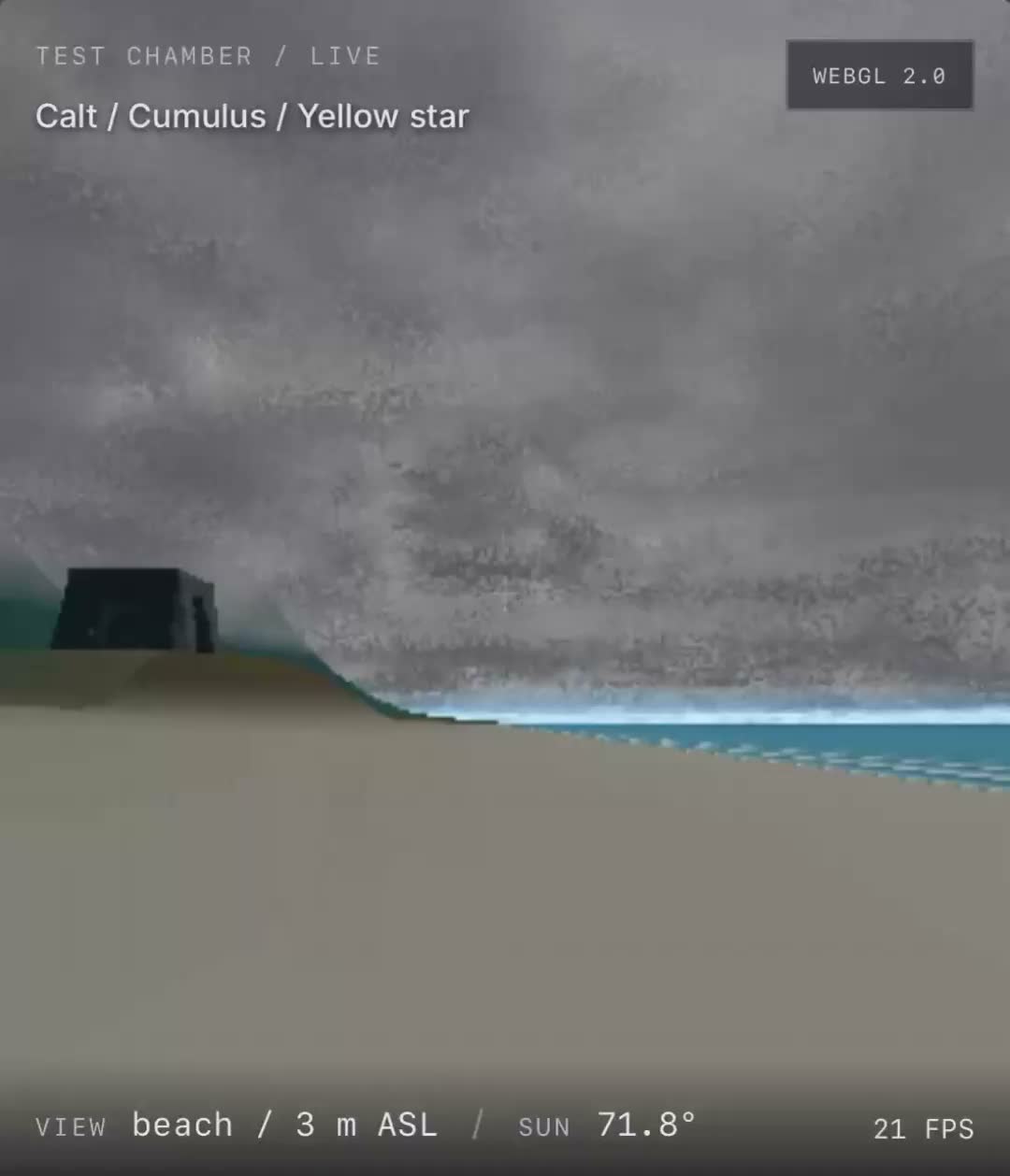
The yellow sodium variant has a warm yellow palette and a 70% density multiplier.
Following IMG_3749.jpeg, its narrow plume follows straight anti-stellar rays:
the centerline and filament paths never ripple, even at maximum variation.
Only density flows outward, with a gentle fixed fan and a fading tip. The preset
starts with spread 0.08 and density variation 0.35. Its Density variation
control changes longitudinal brightness, rather than bending the tail.
Its tail is active only at 0.387 AU or closer, matching the requested
Mercury-distance rule; the rocky body remains visible outside that limit.
This is an artistic eligibility rule, not atmospheric escape physics. The
preview shape is enlarged and not physically to scale with AU. Hot Jupiters
are intentionally deferred until comet validation.
Space parameter indices extend the existing ABI without renumbering it:
| Index | Parameter | Default |
|---|---|---|
| 9 | Comet mode: 0 off, 1 filaments, 2 cyan, 3 scorched | 0 |
| 10 | Tail length (preview units) | 2.2 |
| 11 | Tail spread | 0.15 |
| 12 | Filament turbulence | 0.8 |
| 13 | Star bearing (degrees) | 180 |
| 14 | Star elevation (degrees) | 0 |
| 15 | Star distance (AU) | 0.3 |
| 16 | Outward flow multiplier | 1 |
Editable recipes retain these settings. RFL export defaults to 64³ for comet
presets to keep narrow strands; it bakes eight animation frames with distance
levels, includes the entire tail, and normalizes emission density for the
existing RFLNEB1 reader. It contains no stars/jets. The direction is baked into
the asset: attaching it to a moving game body will require the RFL runtime to
rotate the volume so its tail axis follows normalize(bodyPosition-starPosition).
This change does not modify or deploy the RFL game.
Validation: node tests/check_comets.mjs checks pause, motion, camera-independent
density, seed variation, 18 source-star directions, no counter-tail, the exact
scorched cutoff, straight sodium density in 216 animated states across 18 star
directions, bounds/density/checksum of a 64³ export, and worker switching
back to a prior nebula. It optionally writes raw 256² RGBA frames to a supplied
output directory. C and WASM builds, existing volume/nova/compact/reference and
image-worker regressions, and a DOM control exercise passed. Rendered WASM
frames were visually inspected; full browser preview was unavailable.
Four reference nebulae
The Reference nebulae group contains Rose Lagoon, Golden Pillar, Amber
Filaments, and Crimson Outflow, corresponding to the four supplied photographs
IMG_3701.jpeg through IMG_3698.jpeg. These are descriptive preset labels,
not asserted astronomical catalog identifications.
Each starts in Volume mode with shifting motion and camera orbit enabled. The images guide broad color and recognizable forms: a rose/teal cavity, branching golden pillars, winding amber filaments, and gold/crimson outflows. The gas is generated as a full 64³ field of warped fractal noise with continuous 3D sampling. Its shape, color and density flow together over time. Stars occupy different depths, and the nebula stays substantial when viewed from the side. This intentionally relaxes photographic matching to support a freely rotating, shifting volume; it is an artistic model, not measured astronomical geometry.
Texture mode retains the original reference proportions and pixels resampled
to a maximum dimension of 512. The unmodified JPEGs are in dist/references.
Volume mode uses a square canvas to leave room for all viewing angles.
Brightness, opacity, density cutoff, softness, stretch, noise scale/octaves, persistence, lacunarity, warp, motion speed and stellar glow affect the volume. Randomize changes the cloud turbulence and star depths while preserving each preset’s general form and colors. PNG, density and RFL exports are supported; RFL includes separate stars and animated voxel data.
tools/prepare_reference_nebulae.py <upload-directory> regenerates image and
star data using Pillow, numpy and scipy. src/reference_nebula.c generates the
3D density and color field. The browser and RFL baker share this C sampler.
node tests/check_reference_nebulae.mjs exercises all four through the worker,
including substantial side-on density, rotation, deterministic pause, motion,
exact flat pixels, RFL exports and switching back to legacy presets.
Extended jets and compact objects
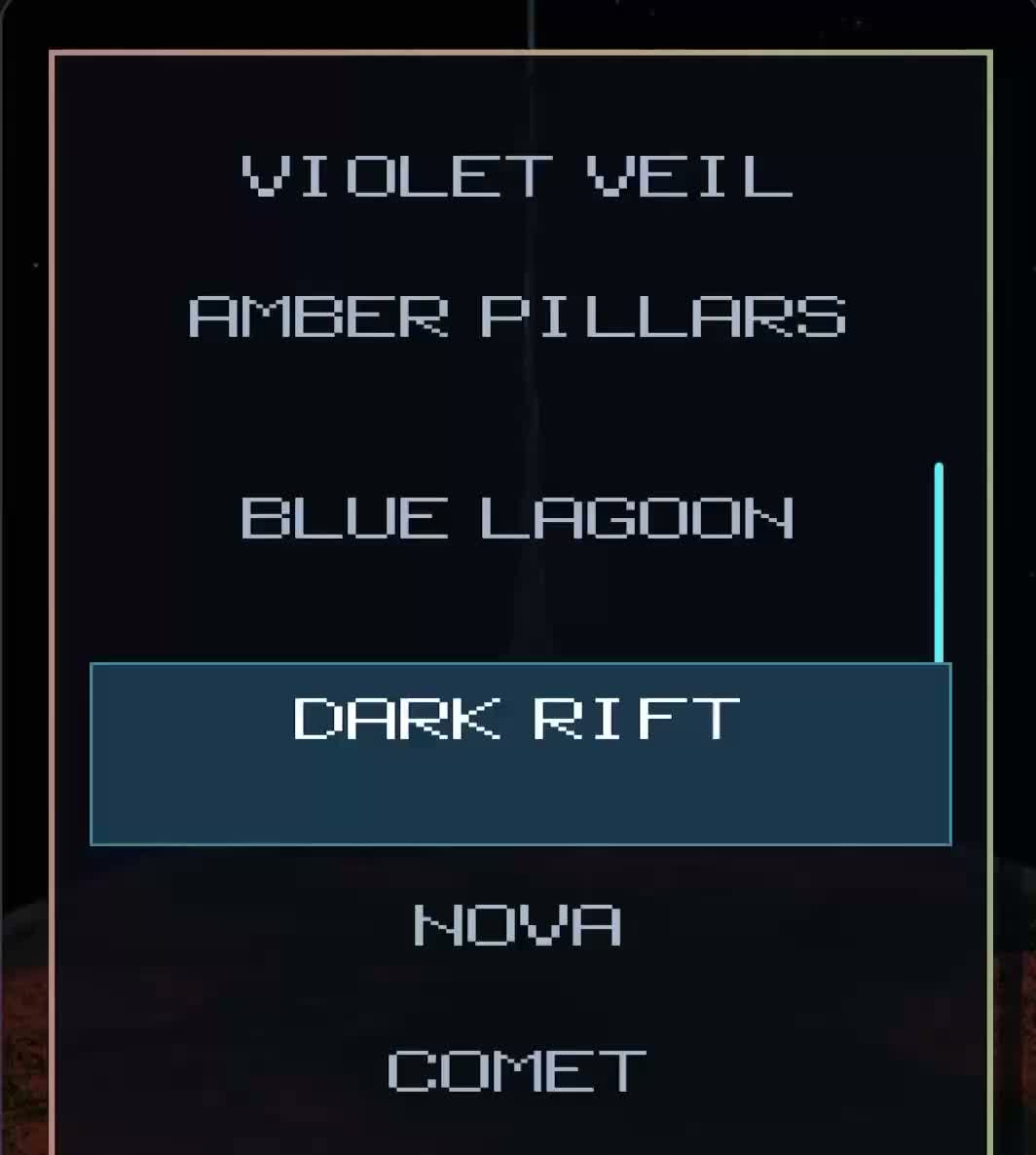
The default opening preset is Violet veil. The compact-object group contains Active black hole, with a centered source and bipolar jets. Black holes are small opaque black spheres, surrounded by a thin bright disk and a dense, corrugated gas torus. The torus is integrated front-to-back and obscures the disk and far-side beam instead of acting as an additive transparent halo.
Beam length · ly / side in Stars ranges from 0.1 to 3 light-years, defaulting to 1. Beams retain a narrow blue-white core and moving knots, then fade into orange teardrop lobes with a purple outer backscatter layer. Compact lobes fade out at 7.68 times the beam length on each side, with six times the original axial lobe length. Head-on black-hole jets show dense flickering blue dither around a solid white circular aperture. The camera fits the selected length; zoom up to 24× to inspect the core. This is an artistic scale: the disk, torus and central object are enlarged for visibility, not shown in physical proportion to a light-year. Ordinary stellar and Nova jets also receive longer beams and orange/purple terminal emission; Nova retains its seeded jet chance.
The portable C ABI adds COMPACT_MODE at space parameter 7 (0 off, 1 active
black hole, 2 neutron star, 3 magnetar, 4 active white dwarf, 5 protostellar
disk). The protostellar preset uses a slowly advecting, amber volumetric disk,
a warm central star, subdued Herbig–Haro outflows blending into enlarged comet-tail filaments,
and dark 3D Bok-like globules. The enclosing gas shell is removed; the outer
disk edge absorbs light instead of glowing. The two tail-only outflows reuse
the comet filament sampler without a nucleus or coma, and export bounds grow
with their full extent. It does not inherit the black-hole aperture or
extended terminal lobes. Existing parameter
indices remain unchanged. Modes 2–4 remain available in the portable C engine
for compatibility, but are not offered as Workbench presets. PNG and density
outputs include the new geometry.
RFL bakes expand their bounds to include compact lobes and preserve the black
core as absorbing gas; their existing runtime jet records keep the longer beam
length. RFL’s lower-resolution volume approximates the thin disk and central
sphere rather than preserving the workbench’s analytic geometry exactly.
Validation: node tests/check_compact.mjs covers rotation, animation, paused
determinism, both orange lobes, purple backscatter, black-core/torus opacity,
compact-star emission, full extended export bounds, and preset exit. The
node tests/check_nursery.mjs check covers the young-star volume and RFL bake.
existing glare fixture explicitly uses a short beam to isolate angular glare
falloff from the newly extended lobes. Preview frames were inspected directly
from the WebAssembly renderer; browser UI automation was unavailable.
Image texture presets
Six supplied images are available in Preset → Image textures: Turquoise Basin, Violet Filaments, Cobalt Billows, Ember Veins, Golden Furnace, and Ghost Cloud. Selecting one opens Texture view at its original 347 × 347 resolution. At the initial brightness and opacity of 1, every source RGBA pixel is preserved. Other output sizes use nearest-neighbor sampling. Brightness and opacity remain editable; palette remapping, procedural noise, and dithering are disabled in flat image mode.
Choose Volume to rotate an image-driven 3D cloud. Source brightness defines gas density and thickness, source RGB defines emission, and animated 3D noise modulates the depth. This is an artistic depth reconstruction from one image, not recovered geometry. Stars and spherical clearings can be added in Volume; they start at zero to preserve the supplied art. Noise controls affect this volume, while its colors continue to come from the image.
PNG and density export work in both views. Export RFL system bakes the
image-driven volume into the existing RFLNEB1 format, including source color,
animation, mip levels, and any added stars/jets. The resulting .rnb needs no
external texture files at runtime. Save editable recipe is disabled for
image presets because the existing native recipe format contains procedural
parameters only and cannot carry source pixels.
Original PNG files and matching lossless RGBA8 buffers live in dist/textures/;
dist/texture-presets.js maps each entry to its dimensions and files. The worker
serializes image loads and rendering/baking requests to prevent stale textures
when presets are changed quickly. Native hosts can copy straight-alpha RGBA8
into nebula_image_buffer(), call nebula_image_set(width,height), then build
and render/bake as usual. Set image dimensions to zero and rebuild to restore
procedural generation. src/image_texture.c implements the shared image API.
Nova preset
Nova is a single event on the scene clock:
- 0–1.5 s: one centered red point, with no nebula or jet.
- 1.5–6 s: the point grows into a medium Noctis-style dither glare, reaching peak at 5 s and holding through 6 s. The flare uses RFL’s hashed sparse discs, core glow, four asymmetric diffraction axes, and tint mixing.
- 6–22 s: an expanding spherical ejecta shell emerges as glare fades. The stellar remnant transitions to blue-white and flickers continuously. The shell radius increases from 0.10 to 0.65 world units; density cutoff rises linearly from 0.15 to 0.47, making the expanding gas thinner. The clearing radius grows from 0.12 to 0.28 at half the cutoff rate (0.01 world units per scene second). The cavity and glowing rim follow this radius in both preview and RFL exports.
- From 22–66 s: the shell continues expanding slowly to 1.12 world units, with cutoff held at 0.47 and clearing radius at its maximum of 0.28. Nova B scales this same extended expansion into its detached-cloud gap.
- Green ionization lasts four seconds per region, easing back to blue during the last second. From 16–46 seconds after the flash, overall nova brightness gradually settles at half; pause and replay use the same scene clock.
A seeded Bernoulli trial gives a 50% chance of a bipolar jet source. It is chosen once per seed, stays stable under regeneration/pause/rotation, and appears only after the eruption begins. Replay Nova repeats the same seed from age zero; Randomize changes the seed and restarts the sequence. The live phase and cutoff are reported from C. Nova fixes one centered source and manages cutoff, clearing, and spherical shape; these controls are disabled while the preset is selected. Selecting another preset restores the previous star configuration.
src/nova.c implements the timeline and seed lottery. src/noctis_glare.c adapts flare_hash2, draw_noctis_dither_disc, and draw_noctis_flare_sprite_tuned from the uploaded rfl_PLAYTEST/raycaster_planet.c to the workbench’s image accumulators. It uses no texture assets. Native hosts set NOVA_MODE before building the scene, then call the usual space render function with scene age.
Build and run native C
make native
./nebula-native 42871 texture.ppm
./nebula-native --volume 42871 volume.ppm 3.0 0.8 0.2
./nebula-native --nova 42871 nova.ppm 14.0 0.8 0.2
Volume arguments after the output path are time in seconds, yaw in radians, and pitch in radians. Both commands write 256×256 PPM frames composited over black. The native CLI is a frame renderer; an SDL2, raylib, or Xlib host can repeatedly call the same volume API for animation.
Rebuild the browser engine
The download includes the compiled engine. To rebuild it, install Zig (tested with 0.16.0):
make wasm WASM_CC="zig cc"
python3 -m http.server 8080 --directory dist
Open http://localhost:8080. Serve through HTTP rather than a file URL so the worker can load the WebAssembly module.
Modules
src/noise.c,src/nebula.c: preserved 2D field and palette renderer.src/noise3.c: seeded, periodic 3D lattice noise and fractal summation.src/volume.c: cached 3D noise, animated density, 3D masks, seeded stars, spherical exclusions, volume integration, and depth-attenuated stars/jets.src/volume.h: volume API and space parameter indices.src/main.c: native PPM host for both render paths.dist/engine.js: WebAssembly worker and regeneration cache.dist/app.js: live controls and interaction.
No graphics library is required by the engine. The browser is a thin host over RGBA8 buffers. The engine uses one static context, is not reentrant, and needs serialized access or one WebAssembly instance per worker.
Volume API
Set noise/color values with nebula_set and nebula_palette. Set star/cavity/jet parameters with nebula_space_set, then call nebula_space_build(seed). The noise cache rebuilds only when its seed or noise parameters change. After edits to the shape or source configuration, call build again to update the envelope, spherical clearings, and colored rims.
nebula_space_render(width,height,time,yaw,pitch,zoom) returns a library-owned RGBA8 buffer. Repeated calls with identical input yield identical pixels. Camera rotation can rerender a paused density field without regenerating it. nebula_space_density() returns the most recent view’s gas column as grayscale bytes. nebula_space_sample(x,y,z) queries the current 3D field. nebula_space_star_count() and nebula_space_jet_count() report actual source counts.
Gas uses a cached 64³ 3D noise texture and a 64³ density grid covering world coordinates −1.25 to +1.25 on each axis. Time advects and combines distinct samples of the periodic noise, then reapplies the fixed shape and exclusions. Rendering uses 96 samples per ray, front-to-back approximate emission/extinction, and an orthographic camera. It has volume depth but does not yet provide a fly-through camera or export a complete 3D field. Dimensions are clamped to 1–512; larger output resolutions cost more per frame.
Exports
Export PNG captures the latest complete color frame at the selected resolution with transparency. Modeled stars/jets are included in Volume mode; the optional preview background is excluded. Export density writes binary PGM (P5). In Volume mode, this is the integrated gas column for the current camera, scaled into 0–255, without stellar points, jets, or the color palette. In Texture mode, it is the original 2D field.
Verification
node tests/check_volume.mjs
node tests/check_nova.mjs
node tests/check_jet_glare.mjs
node tests/check_image_textures.mjs
node tests/check_image_worker.mjs
This checks deterministic paused rendering, changes under rotation and time, gas removed at star centers and restored with zero cavity radius, exact star/jet counts including 0% and 100%, rectangular output, and retained 2D API behavior. Representative output frames were inspected directly. JavaScript syntax and local asset references were checked. Nova checks also cover phase order, glare growth, no gas before eruption, cutoff endpoints, expansion, core color and flicker, replay stability, and both jet outcomes across seeds. Jet glare checks cover both viewing directions, complete cone suppression, progressive angular fading, retained side views, phase gating, zero glow, and ordinary stars. No browser automation was run.
Exporting RFL systems
The RFL system section exports a camera-independent .rnb volume. Choose
32³ for compact assets or 64³ for more detail. Export includes animated gas,
distance mip levels, colored stars, clearings and jet source records. Ordinary
presets bake an eight-frame, twelve-second gas loop; Nova bakes its expansion
and a separate remnant loop. Stars and jets animate independently in RFL.
Copy the result to RFL’s assets/nebulae/ folder, restart RFL, then select
Systems → Workbench Nebula → Asset. This requires the RFL source build with
rfl_nebula.c; older RFL builds do not understand .rnb files.
Save editable recipe retains all generation parameters and colors in a
.nebula text file. The RFL source bundle includes a native C baker:
make nebula_bake
./nebula_bake --recipe my-cloud.nebula assets/nebulae/my-cloud.rnb
src/rfl_nebula_export.c implements the same explicit little-endian RFLNEB1
serializer in native C and WebAssembly. It calls nebula_space_bake(time) and
nebula_space_cell(x,y,z,out) without rendering a preview. Exports use density
and RGB radiance in four bytes per voxel, conservative runtime occupancy masks,
and density-weighted mip colors. The loader validates version, dimensions,
metadata, timestamps, length and checksum before accepting an asset.
Compact ordinary assets occupy about 1.14 MiB; compact Nova is 2.28 MiB. Detailed ordinary assets are 9.14 MiB and Nova is 18.28 MiB. Gas animation is a baked approximation of the continuously evolving preview, with temporal crossfades. Camera rotation and translation remain fully three-dimensional.
The native and browser-worker default exports matched byte for byte during integration. Existing volume, Nova and jet-glare checks continue to pass, and the worker resumes normal preview rendering after export.
Herbig–Haro jet and inner disk refinement
Herbig–Haro sources use yellow-orange stars. About 80% (seeded per source) have short, faint jets; the stronger minority have irregular 3D dust around their outflows. Dust absorbs background gas and jet light, with faint emission tinted by the current palette or source image. Ordinary HH jets no longer inherit the compact objects’ orange/purple end lobes. Compact-object inner accretion disks use radial-only concentric annuli, retaining the turbulent outer torus. Existing presets and the Violet veil startup selection are preserved.
Nova B — blue reflection echo
Select Nova B · blue light echo for a fixed, seeded cloud with opaque cometary globules and branching pillars. Reflection begins after three seconds with a time-compressed light echo (eight playback seconds per normalized scene unit). The camera uses the excess path radius + camera-depth, including the return journey to the observer. Replay is deterministic; Randomize changes the cloud and dust. Original Nova remains separate. Compact-object disk rings now have seeded gaps, uneven brightness, and gently drifting irregular arcs.
Nova B refinement: reflection clouds occupy a detached shell from 1.06 to 1.67 times the beam length. Gas and dust remain outside the jet tips as beam length changes. Reflection is zero through three seconds, then propagates with observer-path delay; polar clouds receive a much stronger blue glow. Nova B always has bipolar jets, with no overlapping terminal-lobe splats.
Nova palettes and timing: Nova defaults to rose hydrogen. Nova B has independent editable hydrogen and reflection palettes (C palette indices 0–5 and 6–11). Its flash is scene age zero, jets smoothly reach full length at five seconds, blue starts at three seconds and green ionization at six seconds, first at polar cloud surfaces. Both fronts spread with a camera-independent distance delay. The normal Nova retains its six-second prelude and its jets grow over the following five seconds. B includes central hydrogen ejecta inside the detached reflection shell. Preview and baked volume exports share the color calculation.
Compact cloud rotation
Compact presets continuously rotate their dusty torus about the jet axis while motion is running, independently of Orbit camera. Cloud rotation sets 0.05–5× the base 0.13 rad/s rate; Motion speed scales the simulation and Pause freezes it. Disk patches orbit at 2.5× the cloud rate. The inner annuli gain up to sixfold emission approaching the core, retaining the opaque black center. C space parameter 8 controls cloud rotation and is included in recipe and RFL bake requests.
The sodium plume launches across the full planetary diameter, with a planet-sized base independent of the downstream tail-width control. Its streamlines remain straight and anti-stellar.
Barred spiral galaxy
The Galaxies category adds a modest central bar, a true 3D spiral disk with muted blue-white light, localized rose gas knots, brown dust lanes, and 5,200 seeded one-pixel stars. A centrally peaked spheroidal bulge and exponential disk replace the outer-heavy distribution; 46% of stellar records belong to the bulge/bar. Central gas forms a thin nuclear disk and bar feeding lanes. Overlapping pixel stars accumulate light with a soft brightness limit. Point-source colors are constrained to a red-orange through blue-white main-sequence palette, independent of dust colors. Tilt/zoom, pause, rotation speed, brightness, opacity, stellar glow and seed controls apply.
dist/galaxy.js runs inside the existing serialized rendering worker, separate from the native engine’s 64-star ABI. The cached 88 × 32 × 88 volume supports absorption and arbitrary view angles. This is an artistic procedural galaxy, not Gaia data. PNG and density exports work; RFL export bakes one static volume frame and all stellar records with the existing binary header/checksum. Native C recipe export is explicitly disabled for this entry. The C source archive continues to cover the native presets.
Validation: node tests/check_galaxy.mjs and node tests/check_galaxy_worker.mjs.
Companions now share a Galactic Cartesian frame: x toward the Sun, y Galactic north, z toward longitude 90°. The assumed Sun is at 8.2 kpc in the midplane. Positions are converted from heliocentric longitude, latitude and distance, not applied as galactocentric bearings. Omega Centauri uses (309.10202°, +14.96833°, 5.24 kpc), replacing its earlier illustrative azimuth. LMC uses (280.4652°, −32.8884°, 49.59 kpc). The 100,000 ly disk remains a scale convention; the main galaxy and dwarf gas morphology are artistic, not astrometric reconstructions. The LMC has a patchy irregular disk, offset bar, rose gas knot and 220 main-sequence-colored star samples. Cluster retains 900 samples and a 450 ly outer diameter.
Galaxy + companions frames the true separation; Find Caldwell 80 centers a 256× isolated close-up of the cluster stars; the Magellanic Cloud is context only, without an inspection target. A labeled, clickable ring tracks Caldwell 80 in the main galaxy view and accounts for canvas letterboxing. Ray integration handles each volume separately across the large empty gap. RFL bounds expand to ±4.2 units to retain both galaxies and all 6,320 stellar records. The fixed 32³/64³ gas export is necessarily coarser at this system scale; use 64³. Native C recipes remain unavailable for this browser-generated scene.
Position sources: https://simbad.u-strasbg.fr/simbad/sim-id?Ident=Large+Magellanic+Cloud and https://simbad.u-strasbg.fr/simbad/sim-id?Ident=Omega+Centauri ; LMC distance: https://arxiv.org/abs/1903.08096 .
Three-arm Andromeda-inspired study
The main galaxy now has three longer, tighter logarithmic arms (winding coefficient 4.35, radial offset 0.18) with matching stellar concentrations and volumetric dust, separated by 120 degrees. Andromeda informs the broader warm bulge, low-saturation old stellar disk, split/clumpy dark dust lanes and restrained blue-white young-star groups. This is a requested artistic three-arm morphology, not a claim about either real galaxy’s arm count. Companion coordinates, sizes and shared Galactic frame are unchanged. Reference: https://science.nasa.gov/mission/hubble/science/explore-the-night-sky/hubble-messier-catalog/messier-31/ .
Fractal zoom detail
Zoom reveals up to six smoothly blended, world-anchored turbulence octaves. Coarse clouds break into smaller absorbing filaments and knots instead of simply magnifying the cached base volume. Seeded stellar associations recursively split into five smaller groups at each scale; offscreen branches are culled before expansion. Zoom changes visibility, not the seed or location of existing features. This is a bounded procedural visual study, not an infinite galaxy or a catalog of real star systems. Rendering remains in the existing worker.
The bulge’s emission and central star brightness ease down toward edge-on; additional close-view exposure control keeps the unresolved center from filling the frame with white. Resolved stars blend over diffuse light rather than disappearing beneath its brightness. Density and exported material remain independent of this viewing adjustment. Ray integration clips the galactic disk’s actual bounds and retains a fixed sample schedule to avoid sampling changes at detail thresholds.
Explore an arm centers a 12× close-up. Double-click a disk region to recenter it, then scroll or use Zoom to inspect it; Reset view returns to the galaxy center. The arm button and slider also work with touch. Caldwell’s isolated close-up and the sparse, untargeted Magellanic context remain unchanged.
PNG/density exports capture the current detailed preview. RFL exports still bake the base volume and 6,320 base stars, with a camera-independent checksum; recursive preview detail is not serialized in the existing RFLNEB1 format. The UI states this limitation. Deep views are more expensive than the overview; the worker keeps controls separate from rendering.
Inspiration: Elite Dangerous’s deterministic, large-to-small procedural approach, described by Frontier in its planetary technology / Stellar Forge Q&A. This implementation does not reproduce Stellar Forge or use Elite assets.
Validation: node tests/check_galaxy_detail.mjs, node tests/check_galaxy.mjs, and node tests/check_galaxy_worker.mjs. Checks cover deterministic zoom round-trips, continuous octave transitions, high-zoom exposure, the dimmer edge-on core, arm recentering, companion isolation and unchanged base export behavior. Offline RGBA renders are inspected at overview, edge-on, 12×, 80× and 512×. Interactive browser QA is unavailable in this environment.